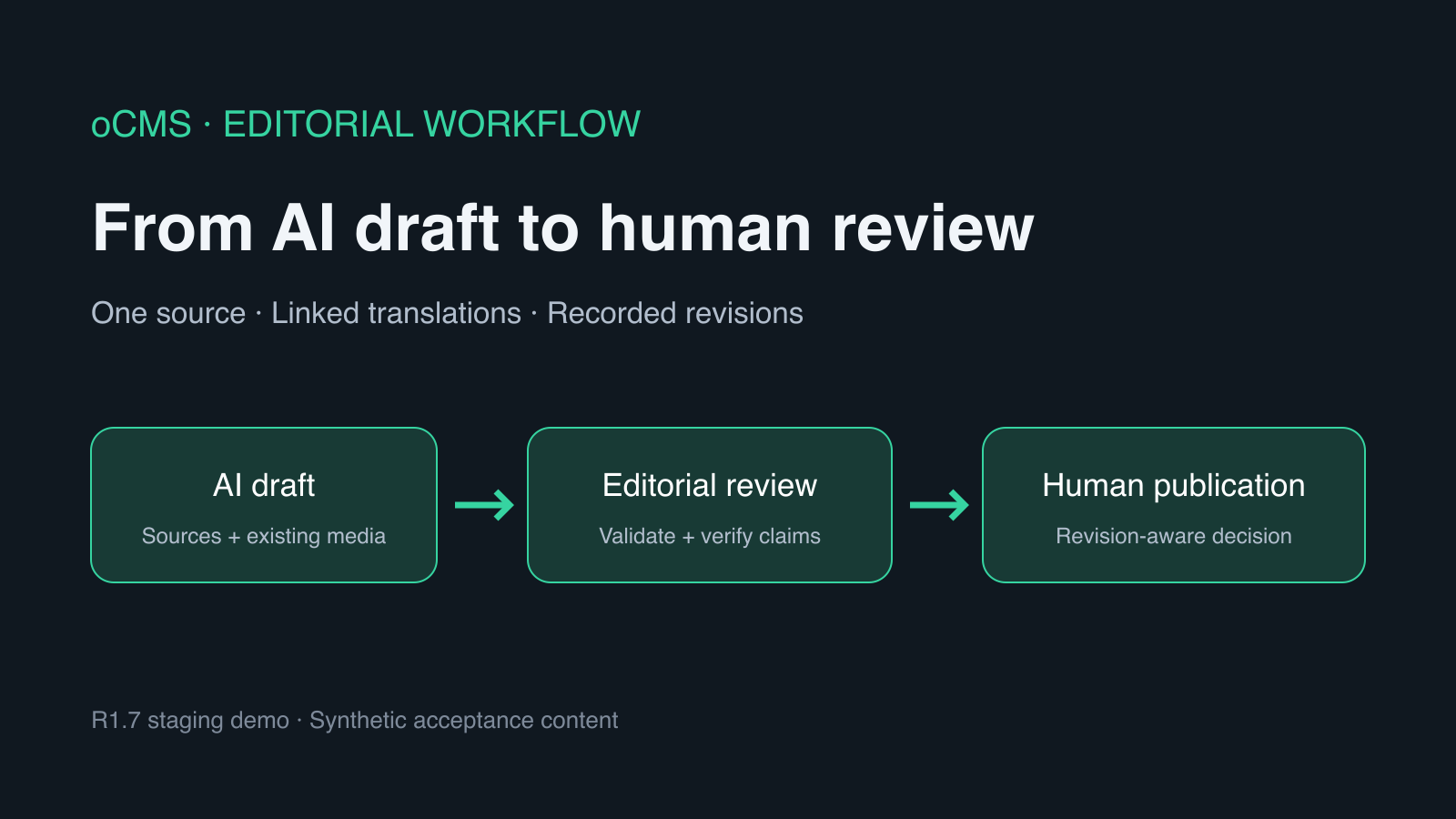
This synthetic staging post walks through one way an AI assistant can prepare content while editors keep every decision that matters. Each step below describes the demo workflow, not a guarantee about any production system.
Start from a source-grounded brief
The assistant begins with a brief and reads the referenced site pages at specific revisions. Those references identify the available source pages and revisions so an editor can compare the draft with those snapshots. They do not establish factual accuracy or show which sentence came from which page. Retrieved pages are treated as reference data, not instructions.
Save drafts in a narrow scope
Saves go only to the assistant's own drafts. Every update names the revision it was based on, and if the page changed in the meantime, the save is refused instead of silently overwriting someone else's edit. An identical retry with the same request ID returns the original result rather than creating a duplicate; reusing the ID with different input is refused.
Link translations to a source revision
A translation is created against a specific source revision and joined to the same translation group. When the source title, body, summary or SEO text changes later, the translation is flagged as stale so editors know it needs another look. Publication and translation-group changes alone do not make it stale.
Acknowledge claims per revision
The assistant lists claims that need human attention. Editors acknowledge them for a particular revision; a later revision carries its own provenance rather than inheriting earlier sign-offs.
Preview inside the editor session
Draft previews open within an editor session by default. Shareable preview links are a separate, deliberate step that a person requests.
Keep publication human
The assistant has no publish or schedule action in this workflow. An editor reviews the draft, checks the flagged claims and decides whether and when it goes live.
The result is a draft that arrives with its sources, history and open questions attached, ready for a person to judge.